FAQ
Questions about LetterDesk, answered.
Everything people ask before and after they start scanning.
What does LetterDesk do?
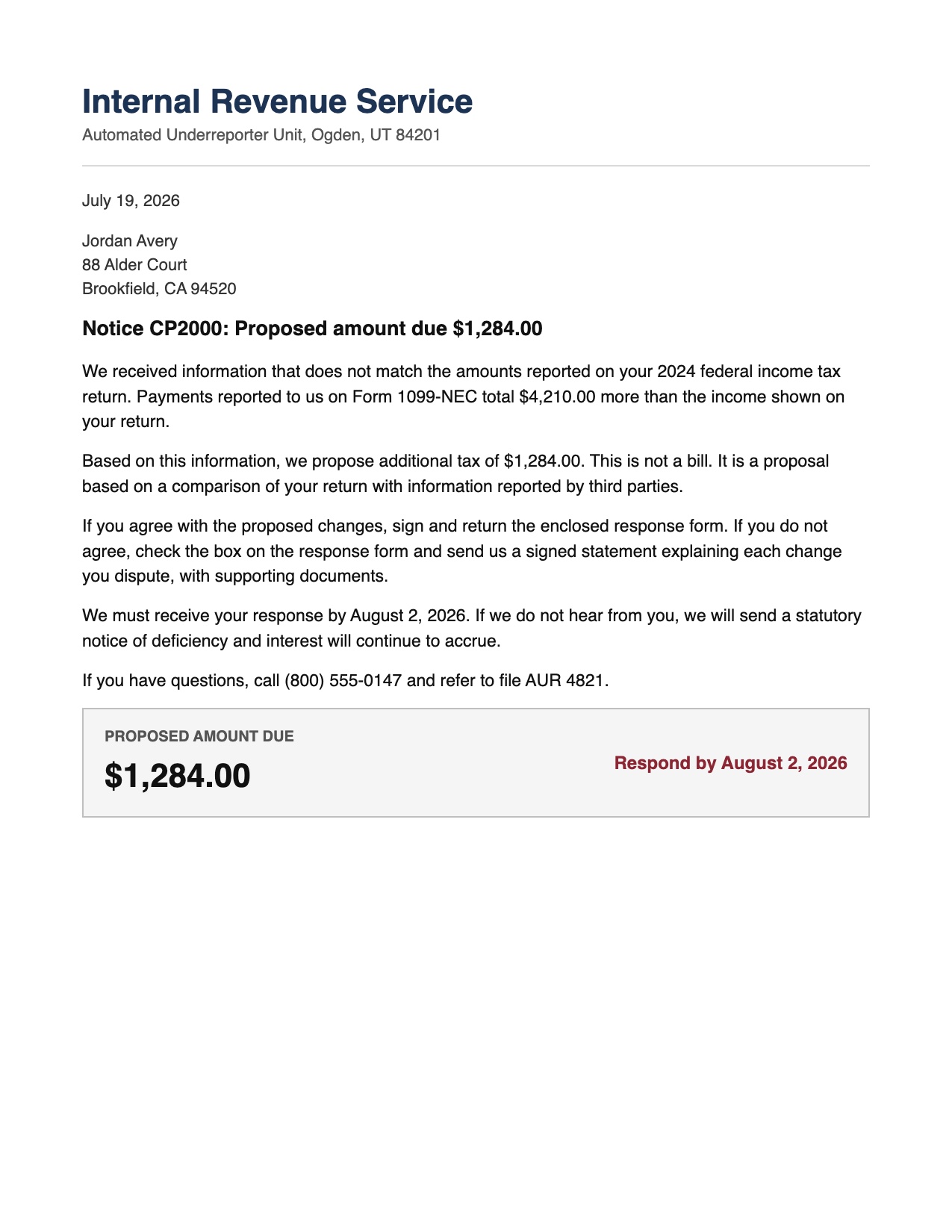
LetterDesk is a mail scanner for iPhone and Mac that reads your letters. Point your camera at any letter, bill, or notice, and it captures a clean scan, reads the page, pulls out the deadline and the amount, files it into the right category, and reminds you before it is due.
How is it different from a normal scanner app?
A scanner app makes a photo or a PDF and stops. LetterDesk understands the letter. It gives you the sender, the recipient, the date, the deadline, and the amount as facts, writes a plain-English summary, files the letter automatically, tracks the deadline, and can even draft a reply. It handles the paper rather than just storing it.
Is my information private?
Your photos never leave your phone, and there is no account to create. To read a letter, its text is sent to the LetterDesk reading service and is not used for anything else. You can read more on the privacy page.
Is LetterDesk free?
Yes, to start. Scanning, filing, search, export, category sorting, and deadline reminders are free and unlimited, and every scan is read for the facts. Premium adds the full summary and key points, reply writing, bilingual English and Farsi output, and encrypted backup. Premium is $29.99 for the first year, then $39.99, or $6.99 a month, with a seven day free trial.
What can LetterDesk read?
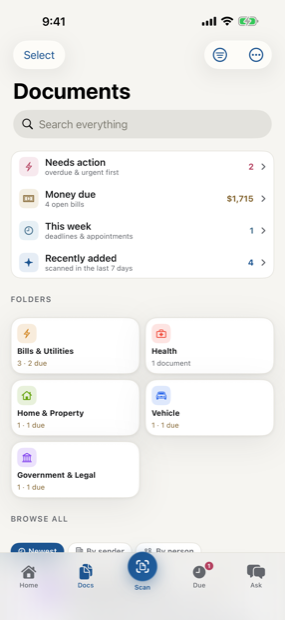
Bills and utilities, bank and finance letters, medical bills and explanations of benefits, insurance policies, government and tax notices, vehicle and DMV mail, rent and property letters, work and school documents, receipts, and general correspondence. It sorts everything into thirteen categories and you can add your own.
Does it work if the letter is in bad lighting or on a dark table?
Yes. The scanner locks onto the page and holds steady against a shaky hand, waits for good light or guides you which way to move, and flattens and cleans the scan so the whole page is captured, even when the paper is a similar color to the surface behind it.
Can it help me write back?
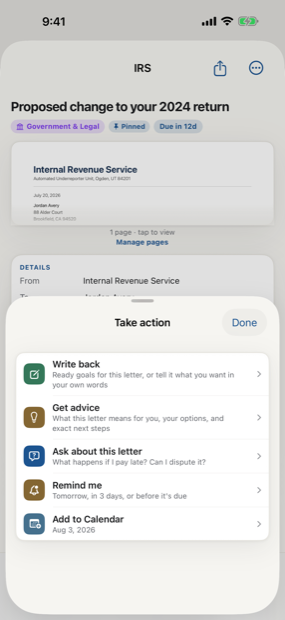
Yes. Tap Take action and choose Write back. Tell LetterDesk what you want in a few words, like a refund or a dispute, and it drafts a clear, factual reply built from the letter you scanned, ready to print, email, or share. This is general assistance with wording, not legal advice.
Can I ask LetterDesk questions about a letter?
Yes, on Premium. Open any letter and ask in plain words: what is this, what do they want, what happens if I ignore it, or what should I say back. LetterDesk answers from the exact page you scanned, in clear language anyone can follow, so you are never left guessing at a document again. It is general guidance to help you understand your own mail, not legal, financial, or medical advice.
Does LetterDesk work on Mac?
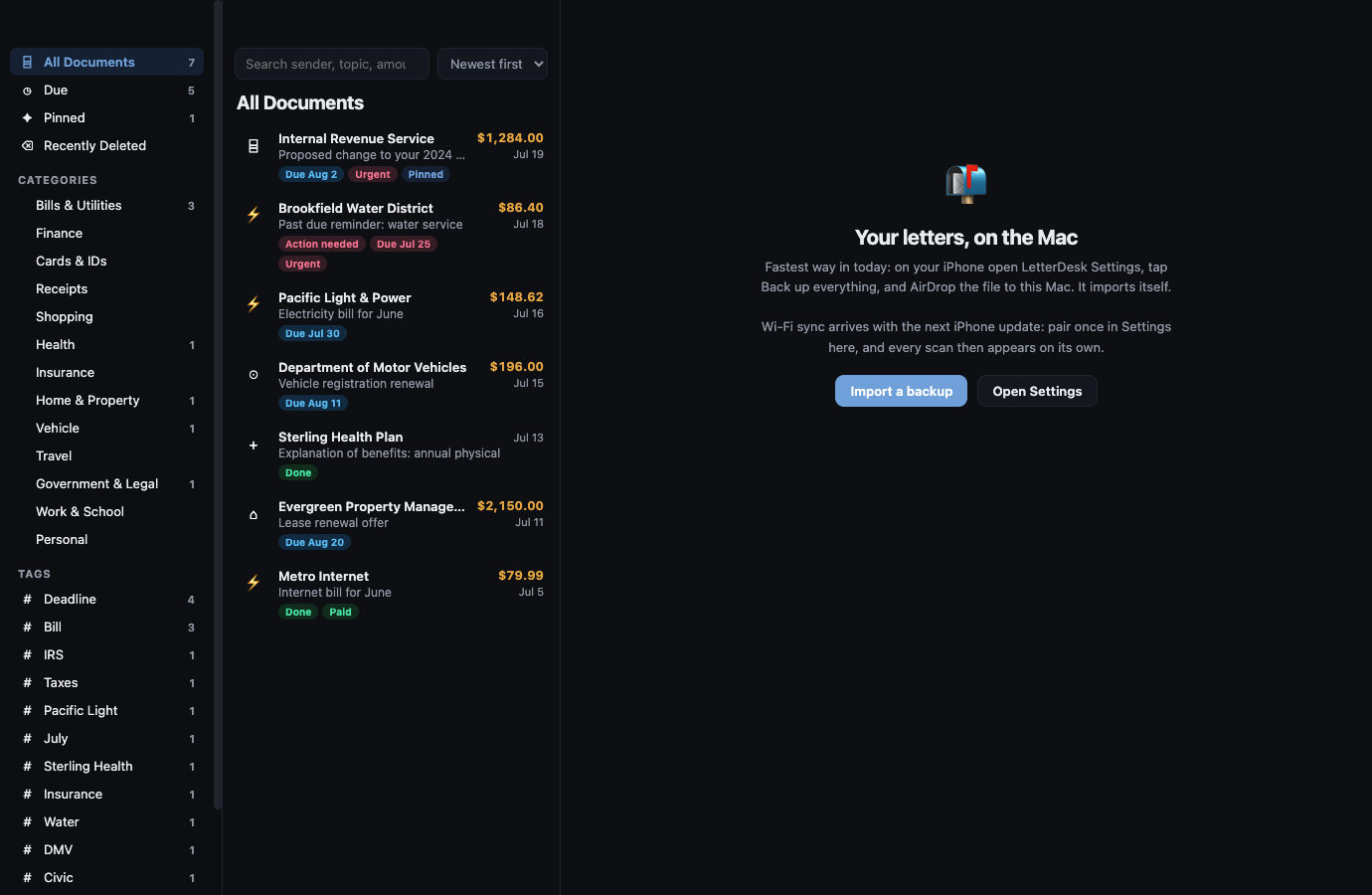
Yes. LetterDesk for Mac mirrors your iPhone archive over your home Wi-Fi. You can read, search, and manage your letters from your desk, and changes sync back to your phone. There is no account and nothing leaves your network.
What happens when I am offline?
Scanning and filing never stop. The on-device engine files every letter instantly, and the full reading is completed automatically when your phone reconnects. The app never refuses to scan.
Does it speak Farsi?
Yes. With Premium, LetterDesk reads and writes in Farsi as well as English, so a letter is clear in the language you think in.
Is it simple enough for a parent or grandparent, and does it work in their language?
Yes. LetterDesk is built to be calm and obvious for someone on their first smartphone, and still sharp enough for anyone who reads contracts all day. On Premium it reads, explains, and writes in English and Farsi, so a letter is clear in the language you actually think in. It is the kind of help most people wish someone had set up for them years ago.
Will I lose my letters if I lose my phone?
With Premium, your archive is backed up encrypted to your own iCloud, so a lost or replaced phone does not mean lost records. On the free plan your archive lives on your device, and you can export any letter at any time.
Which iPhone and iOS do I need?
LetterDesk runs on iPhone with iOS 16 or later. LetterDesk for Mac is a companion app that pairs with your iPhone over Wi-Fi.
Scan to calm
The letter does not just get scanned. It gets handled.
Across every page, LetterDesk shows the full path: read the letter, tell you what to do next, file it automatically, and make it easy to find again.
Your mail, finally handled.
Scan the first scary letter in your pile and watch it turn calm.
In private beta now. Leave your email and we will tell you the day it lands.