Health mail
How to read a medical bill or EOB without the panic
Few pieces of mail are as confusing as a medical bill or an explanation of benefits. The good news: once you know what to look for, most of the fog clears in a couple of minutes.
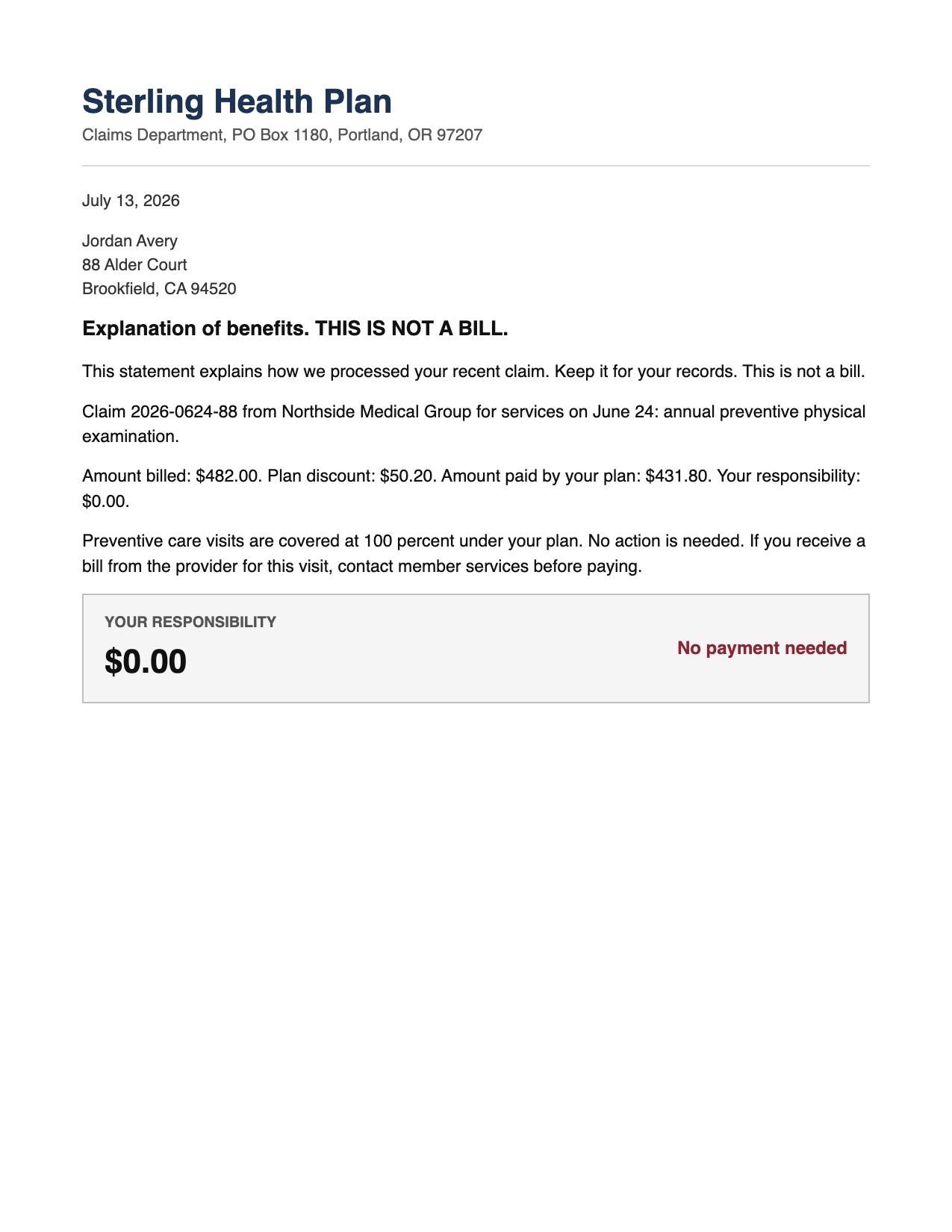
First, is it even a bill?
The most common source of medical-mail panic is mistaking an explanation of benefits, or EOB, for a bill. An EOB comes from your insurance company and explains how a claim was processed. It almost always says, somewhere near the top, This is not a bill. If you see those words, no payment is due from this document. It is a record, not a demand.
An actual bill comes from the provider, the hospital, or a billing service, and it asks you to pay a specific amount by a specific date. Knowing which one you are holding is more than half the battle.
The numbers, decoded
Medical statements throw several large numbers at you, and only one of them is what you owe. Here is what they usually mean:
- Amount billed: the provider's sticker price. This is almost never what anyone actually pays, so it is the wrong number to fixate on.
- Plan discount or adjustment: the amount knocked off because of your insurer's negotiated rate.
- Amount paid by plan: what your insurance covered.
- Patient responsibility: the number that matters. This is what you may actually owe, and on preventive care it is often zero.
When you read a medical document, find patient responsibility first. A statement can show an alarming billed amount of several thousand dollars while your actual responsibility is a small copay or nothing at all.
Check it for errors before you pay
Medical billing mistakes are common. Before paying, it is reasonable to check a few things: that the date of service and the provider are correct, that you were not charged for something that did not happen, and that a preventive visit was processed as preventive. If a provider bill and the insurer's EOB disagree, call the number on the statement before paying, and ask them to reconcile the two.
Keep the paper trail together
A single visit can generate a provider bill, an EOB, and sometimes a second corrected statement. When they arrive separately over a few weeks, it is easy to lose track of which is current. Keeping them together, tied to the visit, is what lets you catch a double charge or confirm that a bill was already handled.
LetterDesk makes this effortless. Scan each statement and it reads the document, labels the amounts by role so patient responsibility is clear, marks whether it is a bill or an informational EOB, files everything under Health, and keeps the whole thread of one visit searchable. When a bill is genuinely due, it tracks the deadline; when it is an EOB, it tells you no payment is needed.
If you cannot pay in full
Many providers offer payment plans or financial assistance, and hospitals in particular often have programs that are not advertised on the bill. It is worth asking. A calm phone call before the due date almost always beats silence after it.
A medical bill explanation on demand
You should not need a billing degree to understand any document your insurer sends. LetterDesk is an app that reads your mail: scan the EOB and its AI document summary gives you a medical bill explanation in plain words, answers what does this letter mean for your wallet, and lets you ask questions about any document, like which number you actually owe. Filed alongside the rest of your records, it also helps you keep important documents organized for appeal season.
This guide is general information to help you understand and organize your mail. It is not legal, tax, or financial advice. For a decision with real consequences, confirm the details on your own letter and consider speaking with a qualified professional.
Common questions
What is the difference between a medical bill and an EOB?
An EOB, or explanation of benefits, comes from your insurer and explains how a claim was processed. It usually says This is not a bill. An actual bill comes from the provider and asks you to pay a specific amount. Only the bill requires payment.
Which number on a medical bill do I actually owe?
Look for patient responsibility. The amount billed is the provider's sticker price and is rarely what anyone pays. Patient responsibility is the figure that reflects what you may owe after insurance.
How can LetterDesk help with medical bills?
LetterDesk scans a bill or EOB, labels each amount by its role so patient responsibility is clear, marks whether it is a bill or informational, files it under Health, and tracks any real deadline. It is general help understanding the document, not medical or financial advice.
Keep reading
IRS Letter: What Does This Letter Mean and What to Do Next
Got an IRS letter and felt your stomach drop? Here is a calm, step-by-step way to read it, understand what it wants, and respond without panic.
Debt Collection Letter: What Does This Letter Mean and How to Respond
A collection letter is stressful, but you have rights and options. Here is how to read it, verify the debt, and respond in writing the right way.
How to Organize Paper Mail at Home (A System That Sticks)
Tired of the pile on the counter? Here is a simple, realistic system for organizing paper mail so nothing important gets lost or forgotten again.
How Long Should You Keep Documents? A Paper Clutter Guide
How long to keep bills, tax records, medical statements, and receipts, plus what to shred and what to keep forever, in one clear guide.
The Best App to Keep Track of Bills and Due Dates
Looking for an app to keep track of bills and due dates? Here is what actually works, why most bill trackers fall short, and how to never miss a payment again.
The Best Way to Organize Documents at Home
The best app and system to organize your documents at home: bills, letters, IDs, and records, all searchable in one place, without a filing cabinet.
An App That Reads Your Mail For You: A Smarter Way to Manage Documents
Tired of apps that only scan? Meet the app that actually reads your mail and documents for you, pulls out what matters, and handles the next step.
The AI That Reads Your Mail and Tells You What to Do
Meet the AI that reads your mail and tells you what to do: it explains any confusing letter in plain words, finds the deadline, and gives you the next step.
Understand Any Document in Any Language, Fast
How to understand any document in any language, fast: LetterDesk explains official letters and mail in plain words for parents, seniors, and immigrants.
Ask Questions About Any Document With AI
Snap a letter and ask questions about any document with AI. LetterDesk reads your mail, finds the deadline, and answers what to do in plain words.
Paper Clutter: What to Keep, What to Toss, and How to Go Digital
A calm method for the paper pile: what to keep, what to shred, and how a document scanner app turns the survivors into a searchable digital archive.
How to Scan Important Documents on iPhone and Keep Them Safe
A practical guide to scan important documents with your iPhone: flat, sharp, upright pages, plus how to store, find, and back up the digital copies.
Scan a Letter and Translate It: Read Mail in Any Language
How to scan a letter and translate what it really means: not word-for-word text, but the sender, the ask, the amount, and the deadline, in your language.
Scan to calm
The letter does not just get scanned. It gets handled.
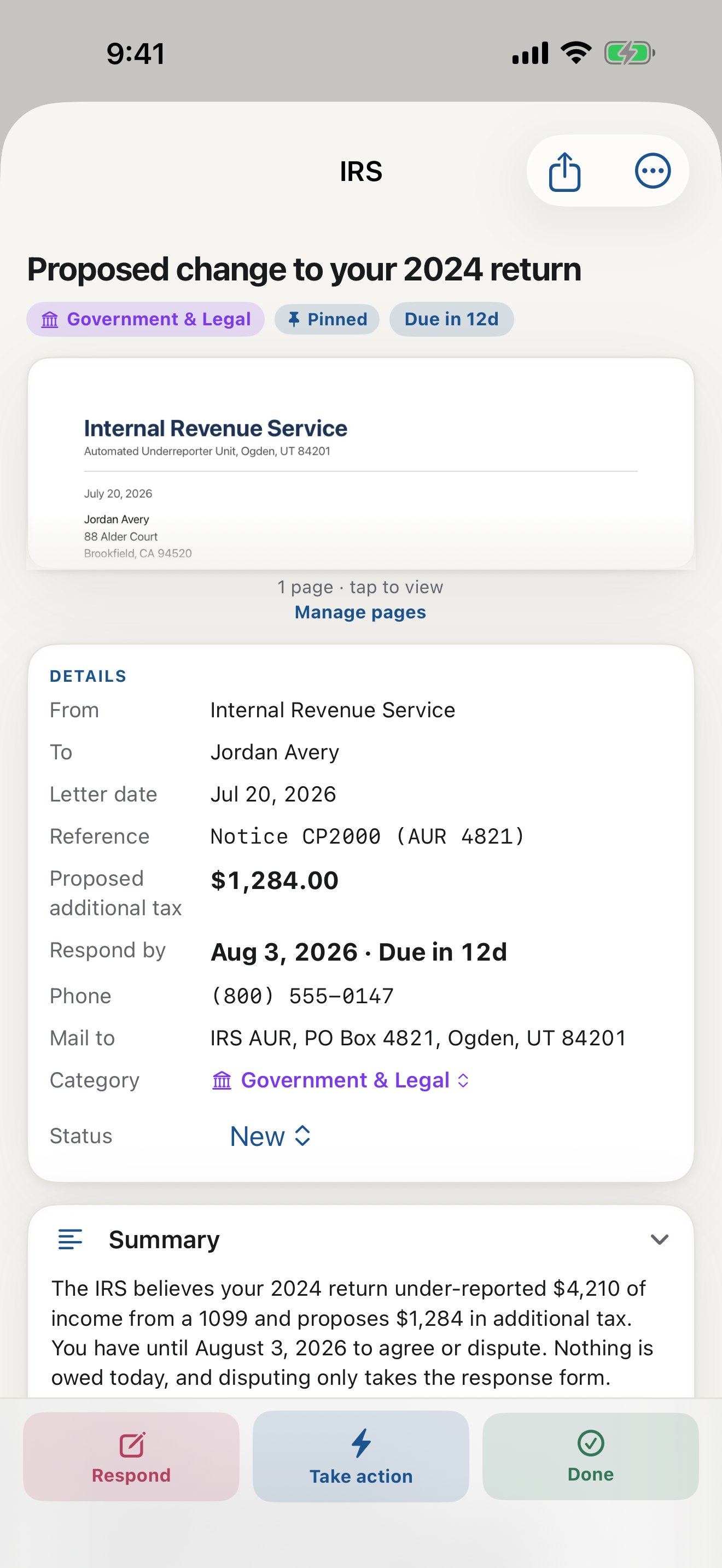
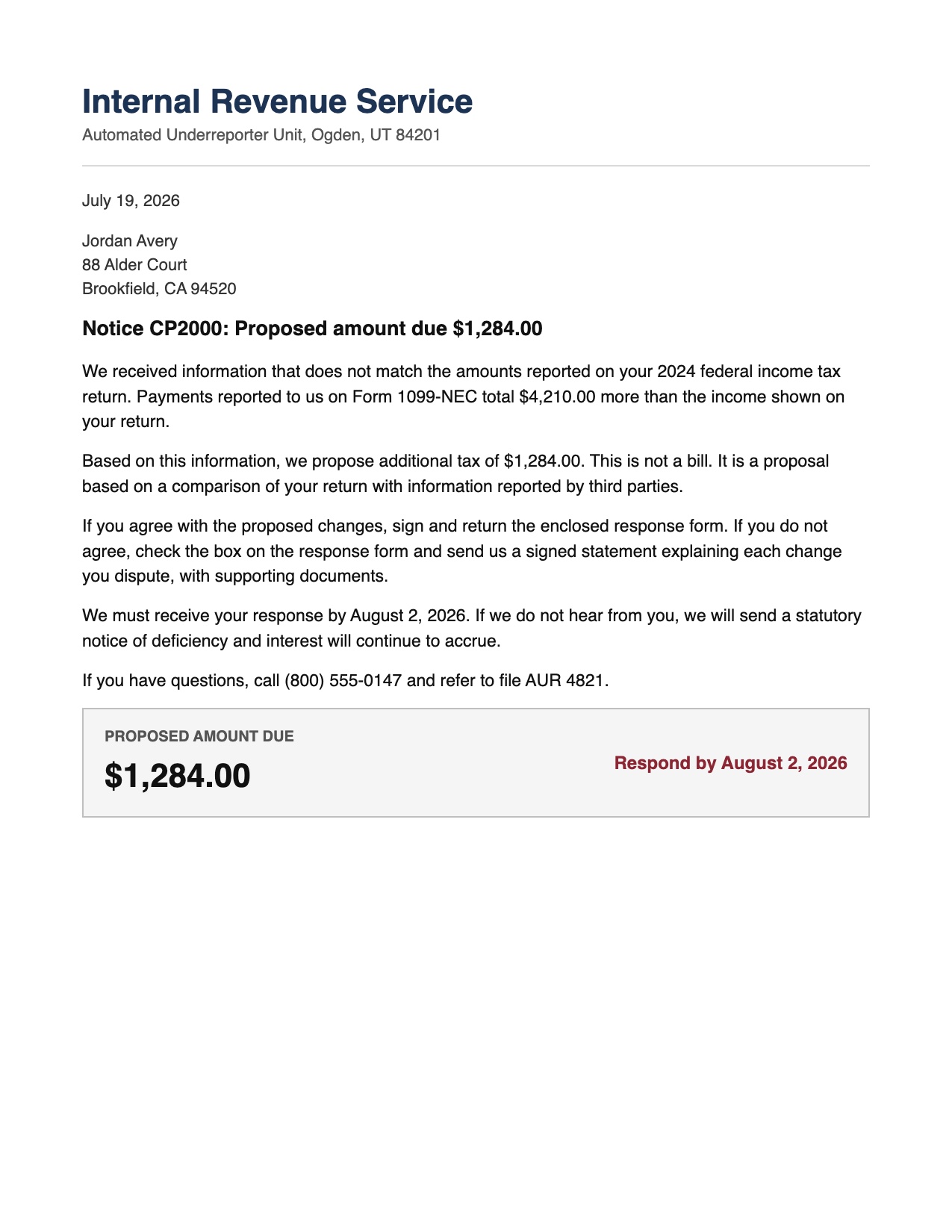
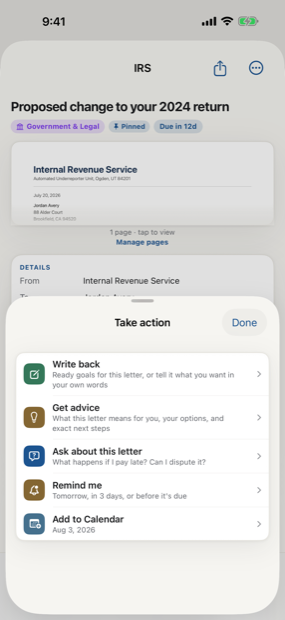
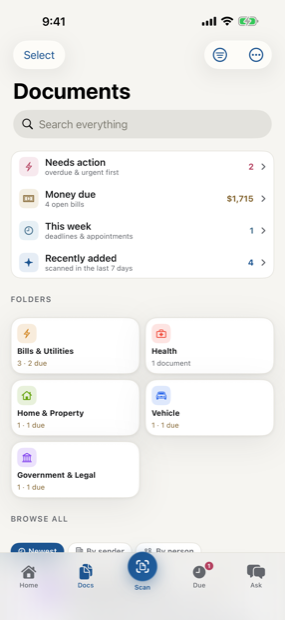
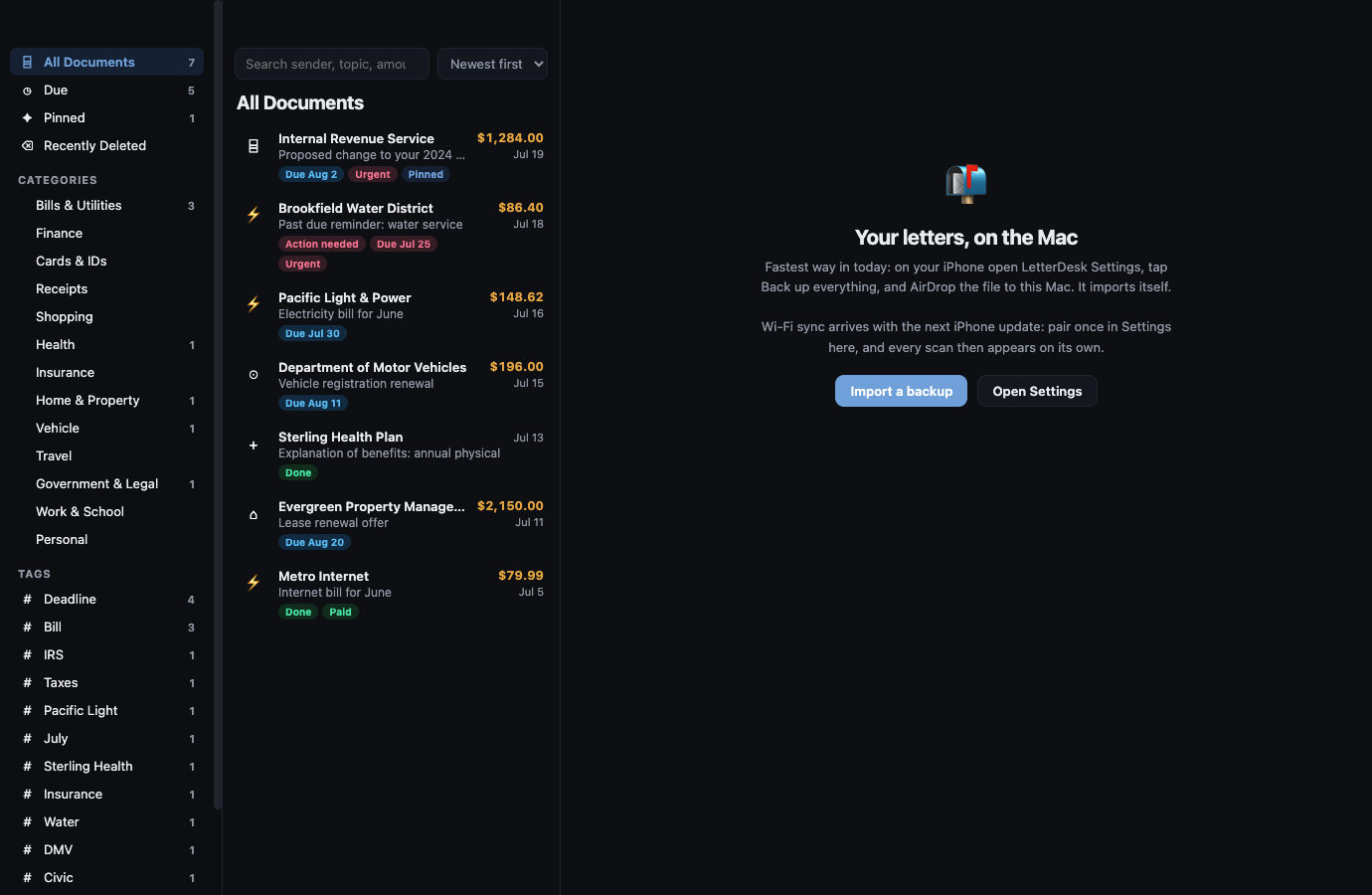
Across every page, LetterDesk shows the full path: read the letter, tell you what to do next, file it automatically, and make it easy to find again.
The next hard letter can be easy.
Scan it, and let LetterDesk read it for you.
In private beta now. Leave your email and we will tell you the day it lands.