LetterDesk for Mac
Your whole paper archive, on the big screen.
LetterDesk for Mac mirrors everything on your iPhone over your home Wi-Fi. Read, search, and manage your letters from your desk, and every change reaches your phone on the next sync. Every answer the AI found on your phone, the summary, the facts, the guidance, is waiting on the big screen, which is exactly where a long letter wants to be read.
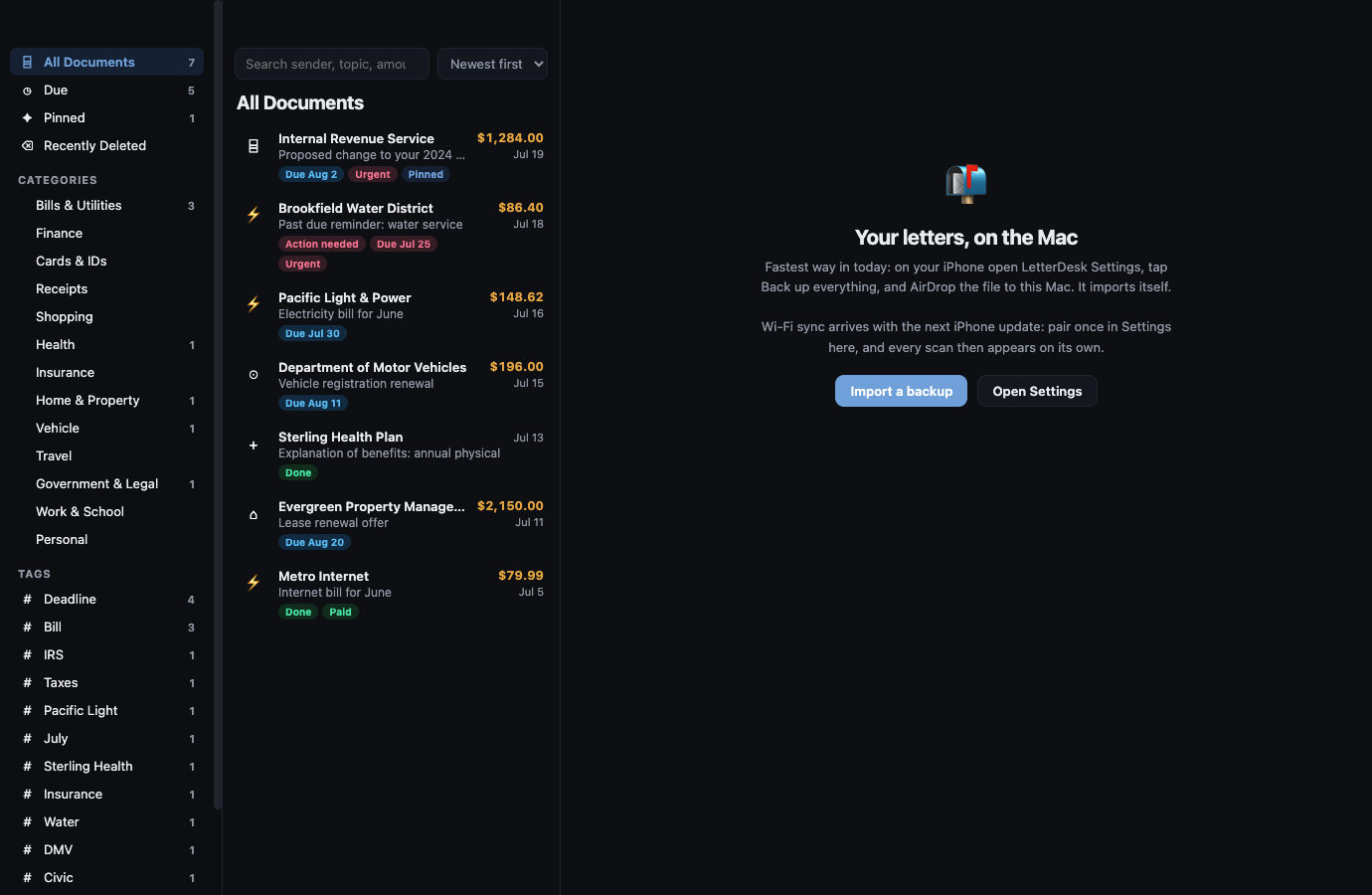
Mac companion
The scan starts on iPhone. The calm follows to the desk.
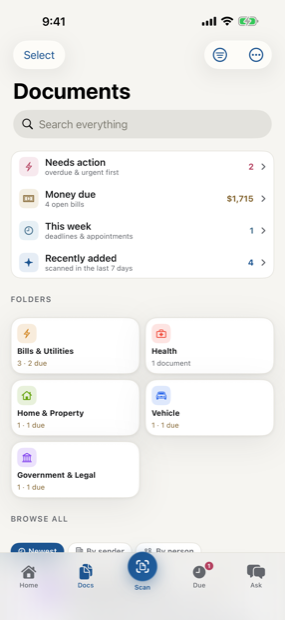
The rail keeps the real iPhone and Mac screens together, because the promise is one archive that feels handled wherever you open it.
Made for the Mac
Familiar, fast, and quietly in sync.
Seamless Wi-Fi sync
Pair once by scanning a code. After that, your iPhone pushes new and changed letters to the Mac automatically. No account, no cloud service in the middle, nothing to manage.
Manage from your desk
Change a category, add a tag, set a status, mark a bill paid, or write a note. Refiling on the Mac reaches your iPhone on its next sync, and the two always mirror.
Read the original
Every scanned page is right there in full, alongside the summary, the facts, and the letter text. The Mac is the comfortable place to read the long ones.
Search a life of mail
A keyboard and a big window make your archive genuinely browsable. Sort, filter by category, and find any letter by sender or amount in a second.
Stays on your network
Sync happens directly between your devices on your home Wi-Fi. Nothing about your mail leaves your network to make the Mac and the phone agree.
Deadlines, on the desktop
The same due dates and reminders you rely on, visible while you work. Export any deadline to your calendar from the Mac.
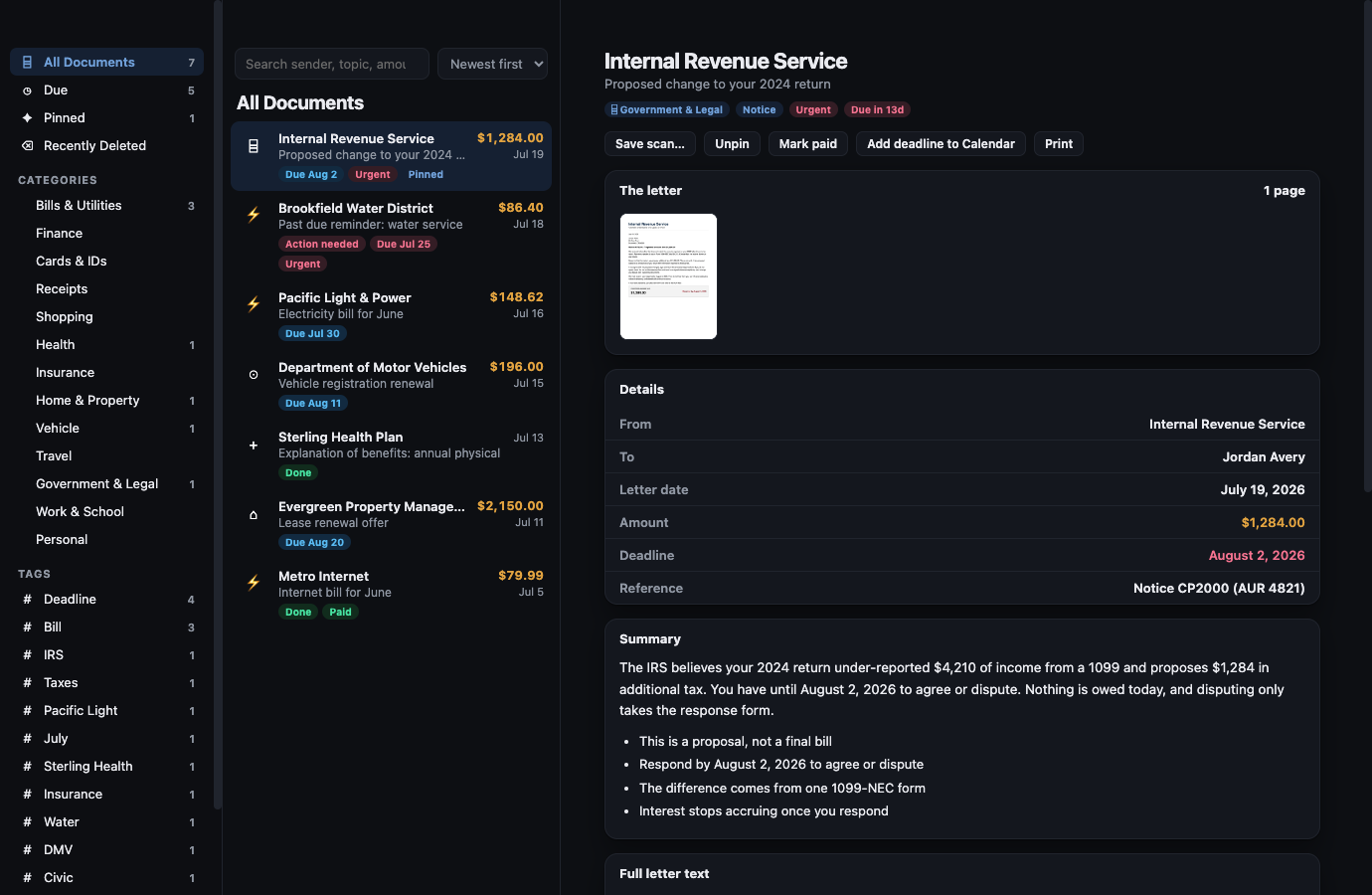
One letter, fully in view
The page, the facts, and the plain-English read, together.
Open any letter and the Mac shows the scanned page next to the info box, the summary, the key points, and the full text. Everything your iPhone found is here, laid out for a screen you can actually read on.
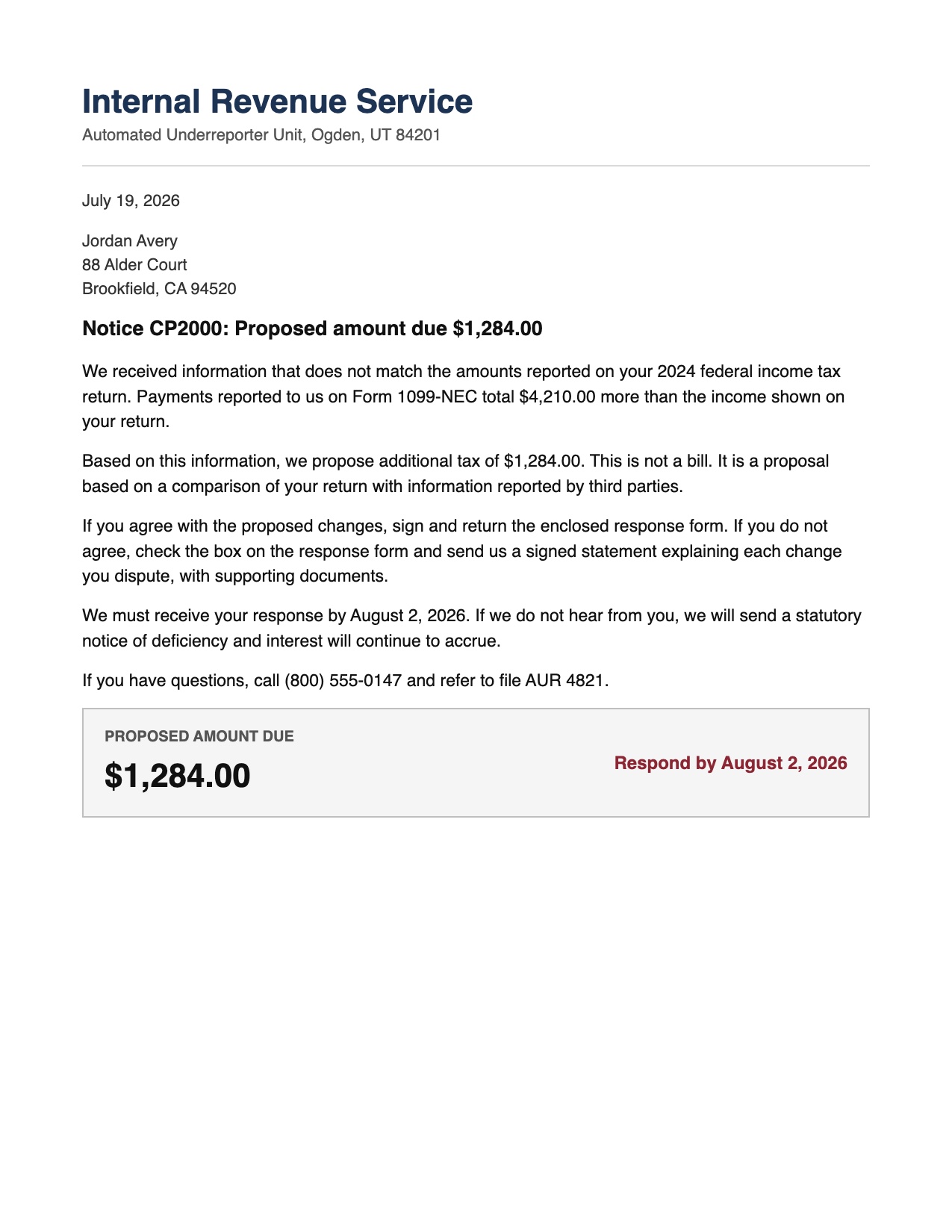
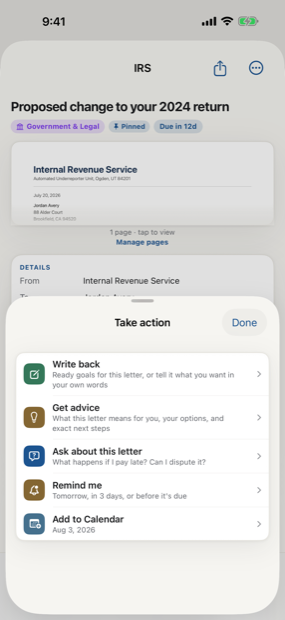
Scan to calm
The letter does not just get scanned. It gets handled.
Across every page, LetterDesk shows the full path: read the letter, tell you what to do next, file it automatically, and make it easy to find again.
Your archive, on every screen you own.
Start on iPhone, then add the Mac in one scan.
In private beta now. Leave your email and we will tell you the day it lands.