How it works
From a photo of a letter to done, in about three seconds.
Here is exactly what happens each time you scan, shown on the real app. By the end, the letter is not just scanned. It is understood, filed, dated, and ready to answer any question you have about it.
Scan to calm
One motion, then the answer.
The scan line is the moment the site should make people believe the product.
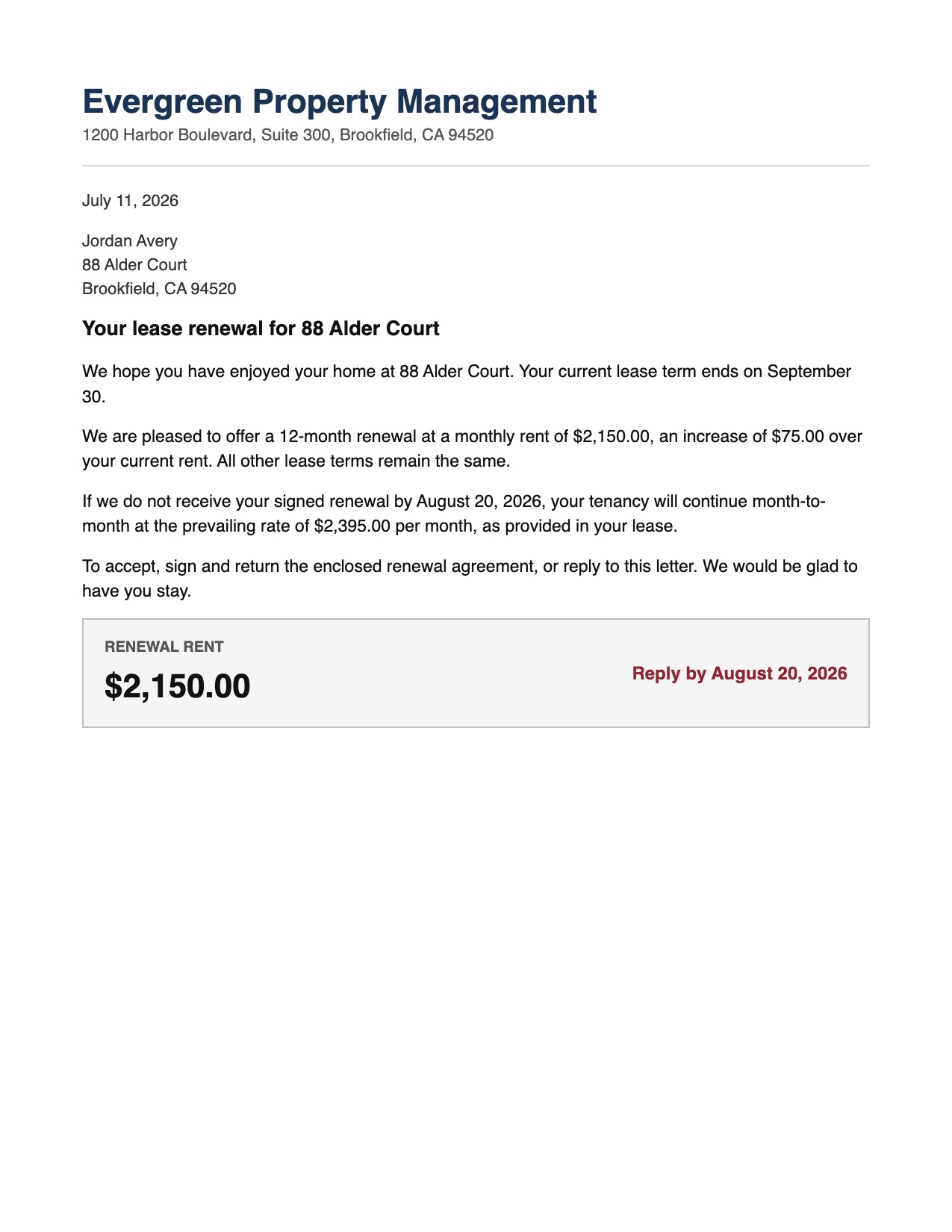
Point the camera at the letter
Open LetterDesk and hold your phone over the page. The scanner locks onto the four corners and holds steady, waits for good light, and captures a clean, flat scan. Bad lighting or a dark table is fine; it guides you or fixes it.
LetterDesk reads it while you set the paper down
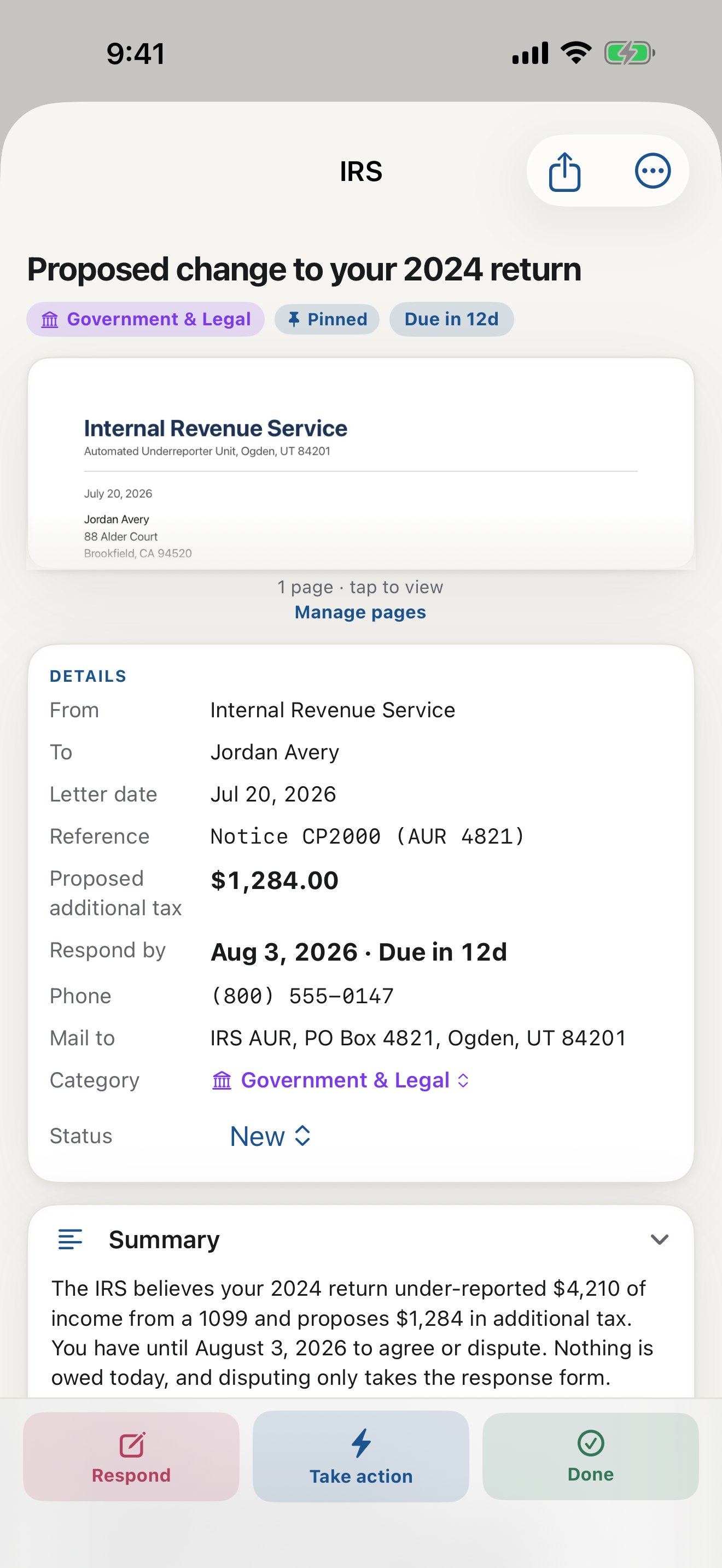
The moment it is captured, LetterDesk reads the whole page and tells you what it means: who it is from, what they actually want, the deadline, the amount, and the category. A dense notice becomes an info box and a short, plain-English explanation you can trust.
It is filed and dated automatically
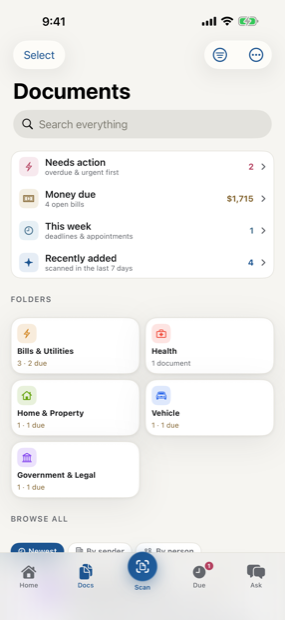
The letter lands in the right category with smart tags, and any deadline is tracked. You did not build a folder or set a reminder; it is already done.
Take action, with the app guiding you
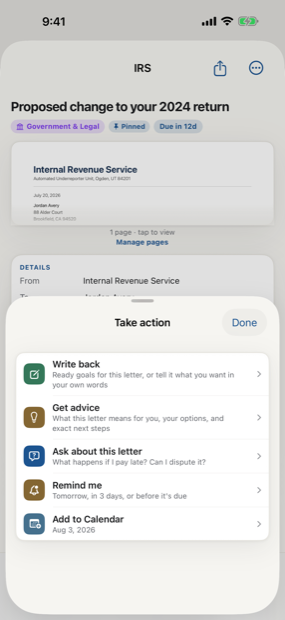
LetterDesk lays out what you can do and what each choice means: pay it, add the deadline to your calendar, mark it paid, or write back. Ask it what happens if you ignore the letter, or what you should say, and it answers from the facts on the page. A reply is drafted for you, ready to print, email, or share.
Find it again in a second, forever
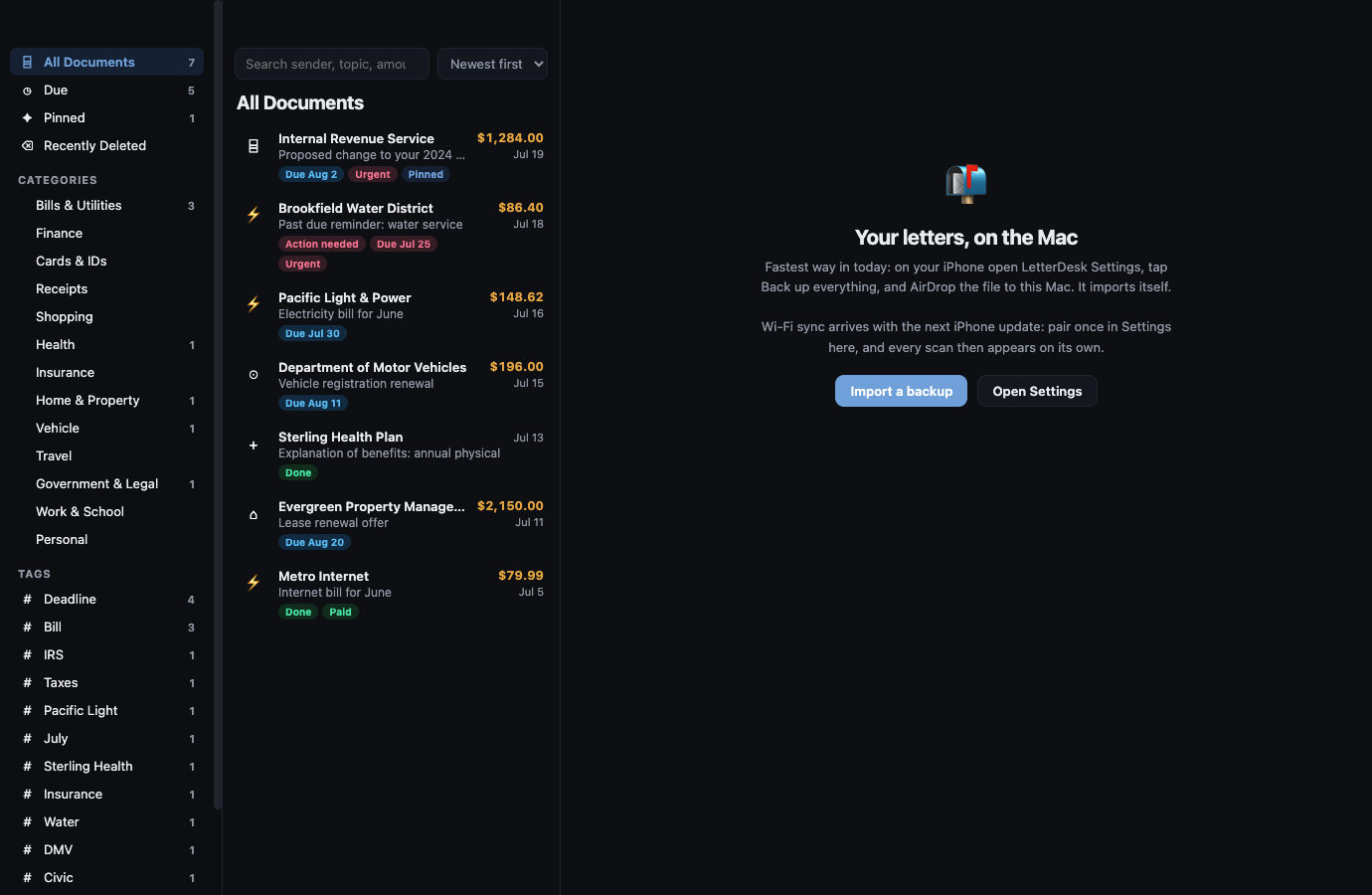
Search your whole archive by sender, amount, or a word from the page. On Premium, your archive is backed up encrypted to your own iCloud, so it is impossible to lose.
The result
A counter that used to hold a pile.
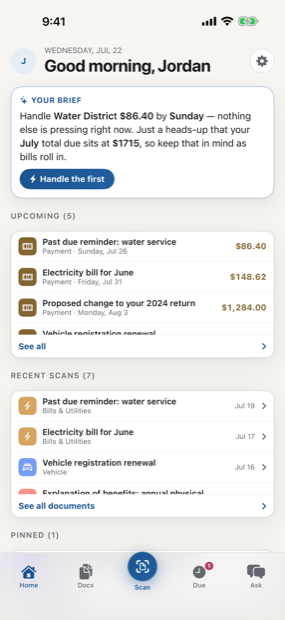
After a week, the shoebox is gone. Every letter is read, filed, and dated. The Due strip shows what is coming, the categories hold everything else, and nothing is waiting to surprise you. That is the whole point: paper handled, not just stored. Once the mail works like this, the old pile on the counter is genuinely hard to picture going back to.
Scan to calm
The letter does not just get scanned. It gets handled.
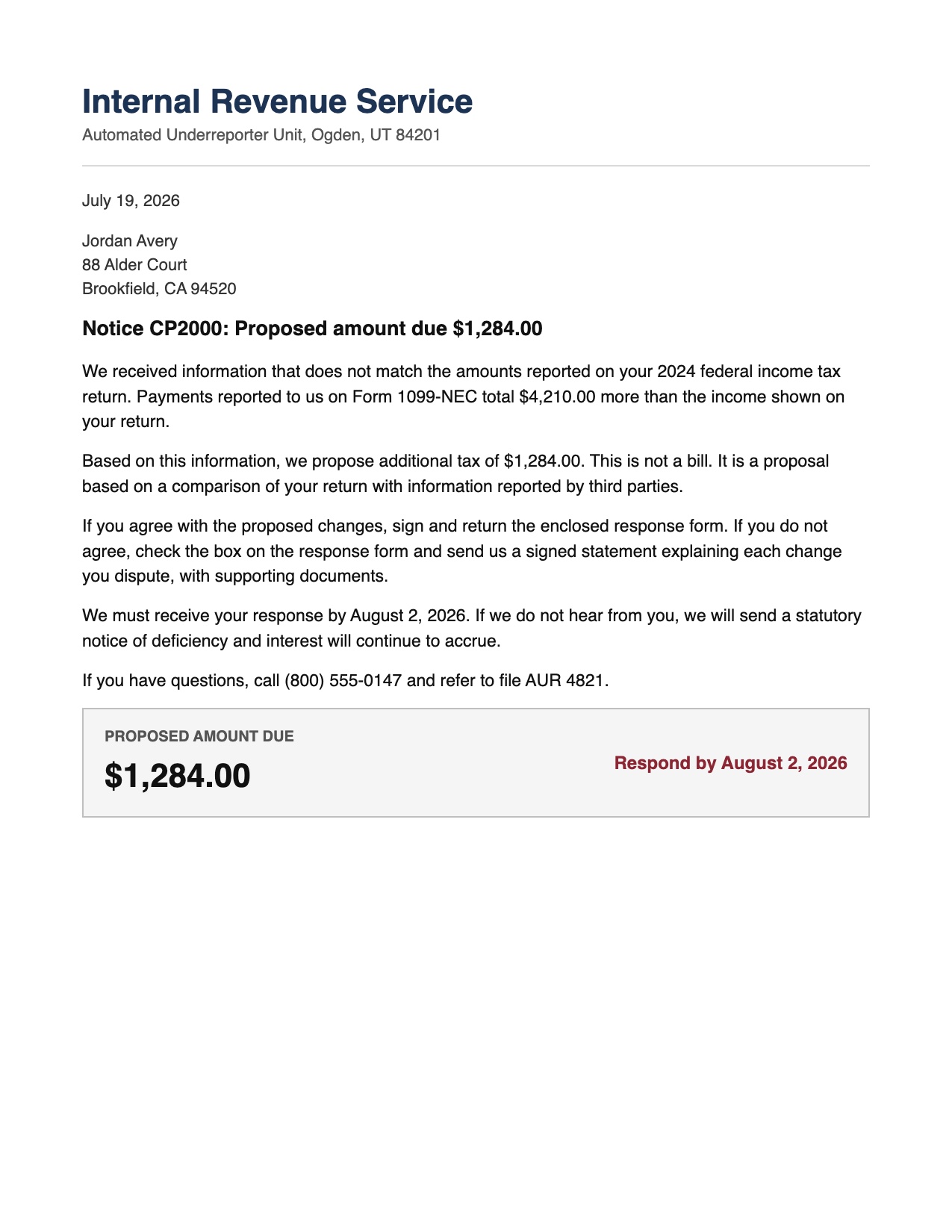
Across every page, LetterDesk shows the full path: read the letter, tell you what to do next, file it automatically, and make it easy to find again.
Your mail, finally handled.
Scan the first scary letter in your pile and watch it turn calm.
In private beta now. Leave your email and we will tell you the day it lands.