Bills and money
The best app to keep track of bills and due dates
A late fee is the most avoidable expense there is. The trick is not more willpower, it is a system that reads your bills and remembers the dates for you.
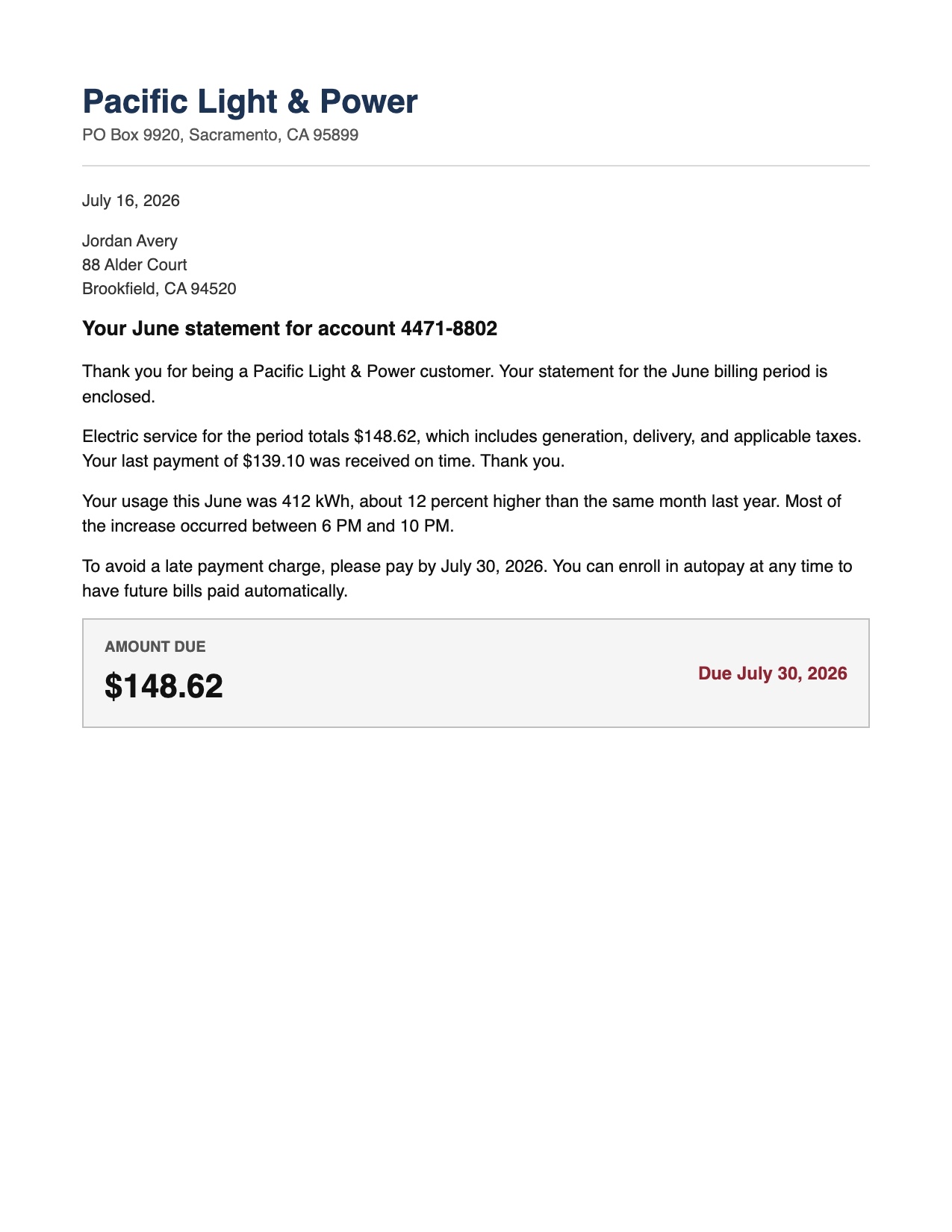
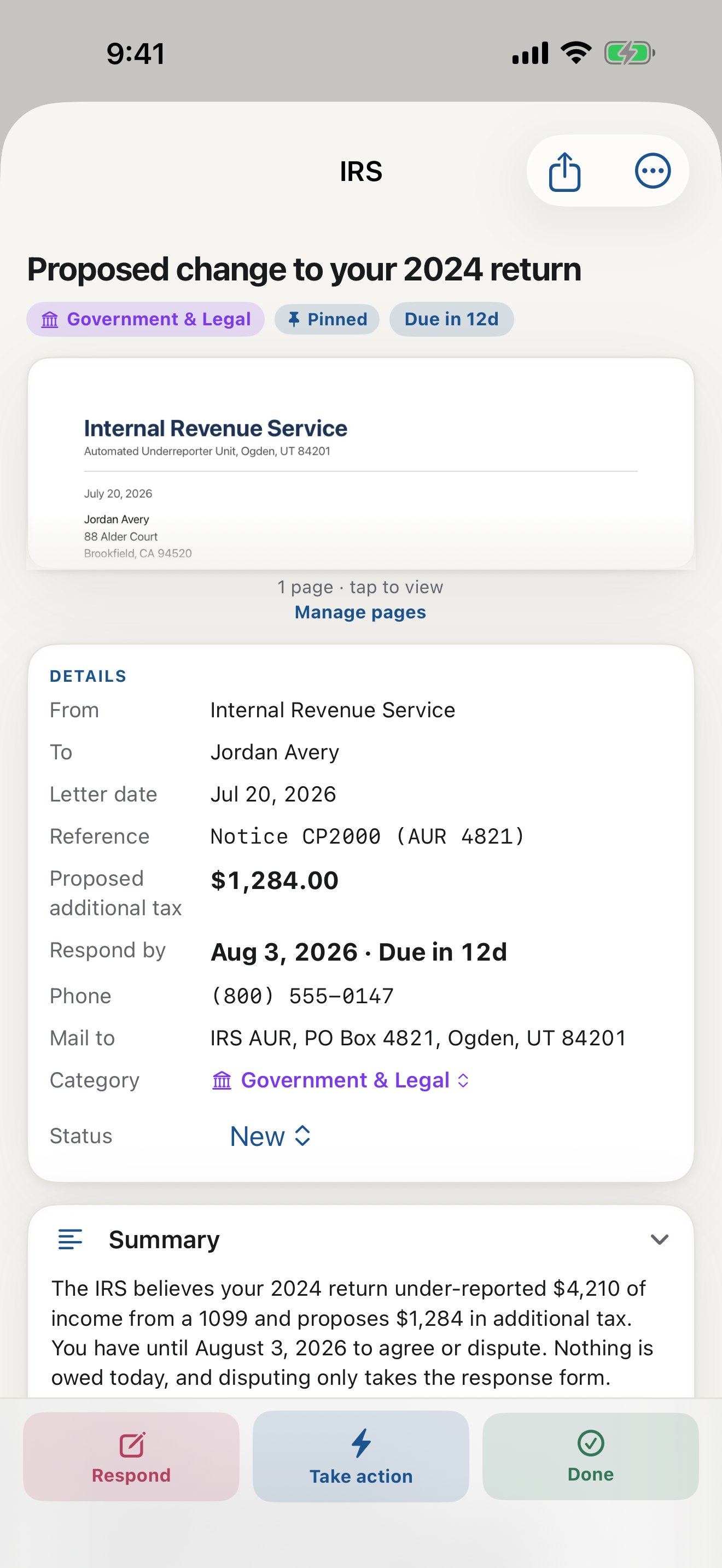
Most people who search for an app to keep track of bills are trying to solve one of two problems: a late fee that stung, or the low background stress of never being quite sure what is due and when. A good bill tracker removes both. The catch is that most of them make you do the very work you were trying to avoid.
Why typical bill trackers fall short
The common approaches each leave a gap:
- A calendar or reminders app works, but only if you remember to type in every bill, every amount, and every date by hand. Miss the entry and you miss the bill.
- A spreadsheet gives you control and nothing else. It never tells you a new bill arrived; you have to know already.
- Bank and budgeting apps track what you have already paid, which is useful for spending but late for a due date. They see the charge after it happens, not the bill before it is due.
The pattern is the same: they all rely on you to notice the bill, read it, and enter it. The moment life gets busy, that is exactly the step that slips.
What actually works: let the bill enter itself
The reliable system flips the burden. Instead of you feeding the tracker, the tracker reads the bill. When a bill arrives, you scan it once, and the app pulls out the amount and the due date on its own and puts it on your radar. Nothing to type, nothing to forget.
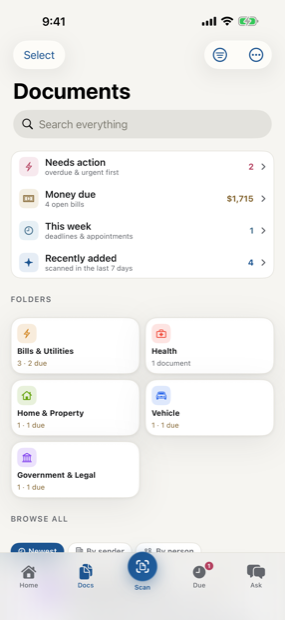
This is what LetterDesk was built to do. Point your camera at a bill and it reads the page, finds the amount you owe and the real due date, files it under Bills, and reminds you before it is due. It even warns you while there is still time to act, rather than the morning it is due. Because the reading is automatic, the one step that usually fails, remembering to enter it, is gone.
What to look for in a bill-tracking app
- It reads the bill for you. If you have to type the amount and date, you have not removed the work, only moved it.
- It finds the real due date, including the ones written as a phrase like within 21 days rather than a printed date.
- It reminds you early, not at the last minute.
- It keeps a record, so you can prove a bill was paid and see your history.
- It handles every bill, paper and the ones you scan from a screen, not just one biller's account.
The honest math
A single late fee is often more than a year of a paid app. If a tool reliably saves you one missed payment, it has already paid for itself. The real return, though, is the quiet: you stop wondering what is due, because something is watching the dates for you.
LetterDesk is free to start, reads every bill for the facts that matter, tracks the deadline, and reminds you. If you have been looking for an app to keep track of bills and due dates, the one that reads the bill for you is the one that actually sticks.
Why a mail scanner app beats a to-do list
Most bill apps only know what you type into them. A mail scanner app knows what actually arrived. LetterDesk is the AI that reads your mail: every scanned bill becomes a bill due date reminder automatically, which is what makes it the best mail management app approach to keep track of bills and due dates. And because it is an app that reads your mail rather than just storing it, the paper clutter on the counter turns into a due list you can trust.
This guide is general information to help you understand and organize your mail. It is not legal, tax, or financial advice. For a decision with real consequences, confirm the details on your own letter and consider speaking with a qualified professional.
Common questions
What is the best app to keep track of bills and due dates?
The best bill tracker is one that reads the bill for you rather than making you type in each amount and date. LetterDesk scans any bill, pulls out the amount and the real due date, files it, and reminds you before it is due, so the step that usually gets forgotten is automatic.
How do I make sure I never miss a bill?
Capture each bill the moment it arrives so its due date is tracked without you remembering it, and use reminders that fire early rather than on the due date. A tool that reads the bill and sets the reminder itself is far more reliable than manual entry.
Is there a free app to keep track of bills?
Yes. LetterDesk is free to start: scanning, filing, deadline tracking, and reminders are included, and every scan is read for the amount and due date.
Keep reading
IRS Letter: What Does This Letter Mean and What to Do Next
Got an IRS letter and felt your stomach drop? Here is a calm, step-by-step way to read it, understand what it wants, and respond without panic.
Medical Bill Explanation: How to Read an EOB Without the Panic
Medical bills and EOBs are confusing on purpose. Here is how to tell a real bill from a statement, spot errors, and understand what you actually owe.
Debt Collection Letter: What Does This Letter Mean and How to Respond
A collection letter is stressful, but you have rights and options. Here is how to read it, verify the debt, and respond in writing the right way.
How to Organize Paper Mail at Home (A System That Sticks)
Tired of the pile on the counter? Here is a simple, realistic system for organizing paper mail so nothing important gets lost or forgotten again.
How Long Should You Keep Documents? A Paper Clutter Guide
How long to keep bills, tax records, medical statements, and receipts, plus what to shred and what to keep forever, in one clear guide.
The Best Way to Organize Documents at Home
The best app and system to organize your documents at home: bills, letters, IDs, and records, all searchable in one place, without a filing cabinet.
An App That Reads Your Mail For You: A Smarter Way to Manage Documents
Tired of apps that only scan? Meet the app that actually reads your mail and documents for you, pulls out what matters, and handles the next step.
The AI That Reads Your Mail and Tells You What to Do
Meet the AI that reads your mail and tells you what to do: it explains any confusing letter in plain words, finds the deadline, and gives you the next step.
Understand Any Document in Any Language, Fast
How to understand any document in any language, fast: LetterDesk explains official letters and mail in plain words for parents, seniors, and immigrants.
Ask Questions About Any Document With AI
Snap a letter and ask questions about any document with AI. LetterDesk reads your mail, finds the deadline, and answers what to do in plain words.
Paper Clutter: What to Keep, What to Toss, and How to Go Digital
A calm method for the paper pile: what to keep, what to shred, and how a document scanner app turns the survivors into a searchable digital archive.
How to Scan Important Documents on iPhone and Keep Them Safe
A practical guide to scan important documents with your iPhone: flat, sharp, upright pages, plus how to store, find, and back up the digital copies.
Scan a Letter and Translate It: Read Mail in Any Language
How to scan a letter and translate what it really means: not word-for-word text, but the sender, the ask, the amount, and the deadline, in your language.
Scan to calm
The letter does not just get scanned. It gets handled.
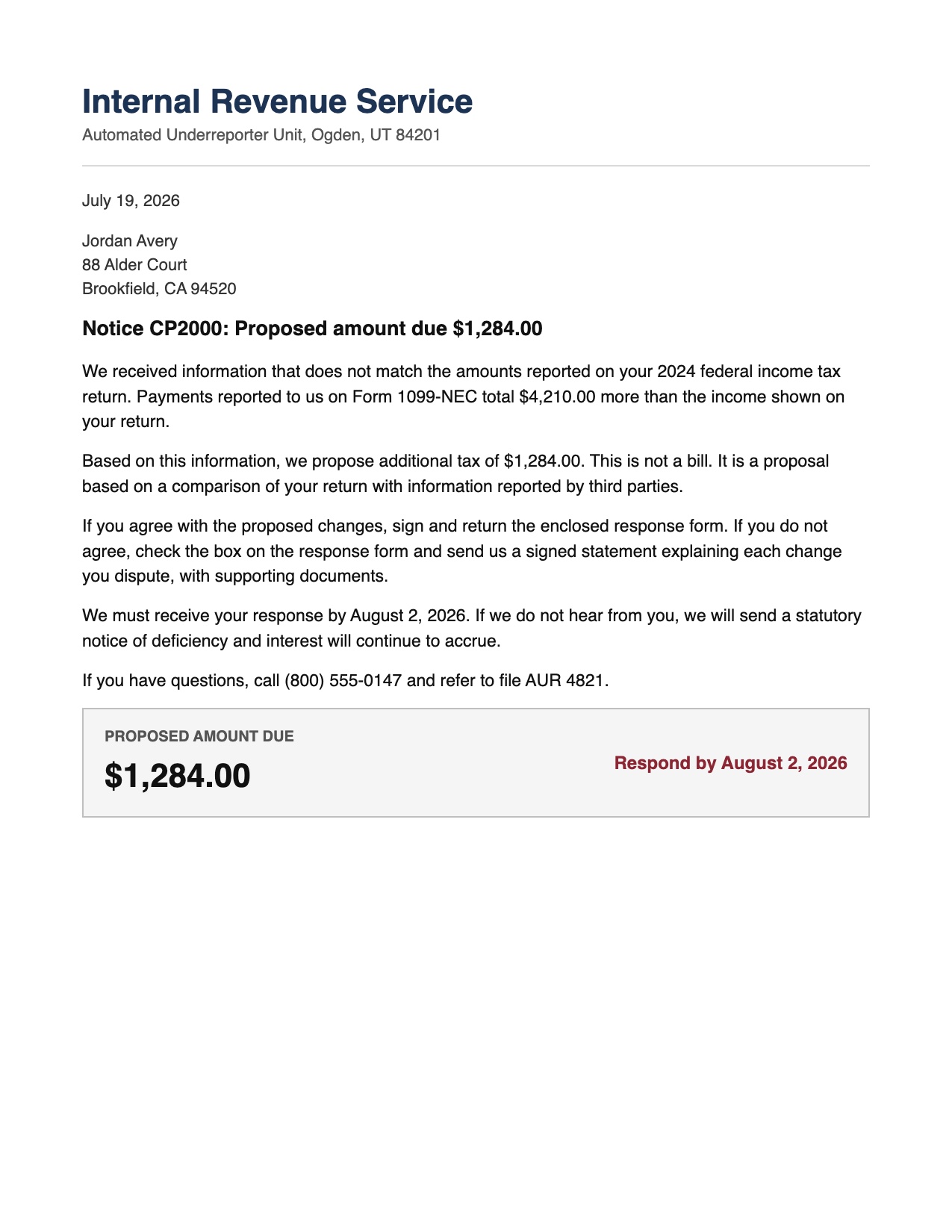
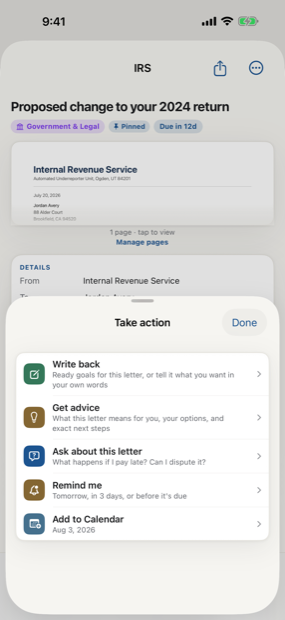
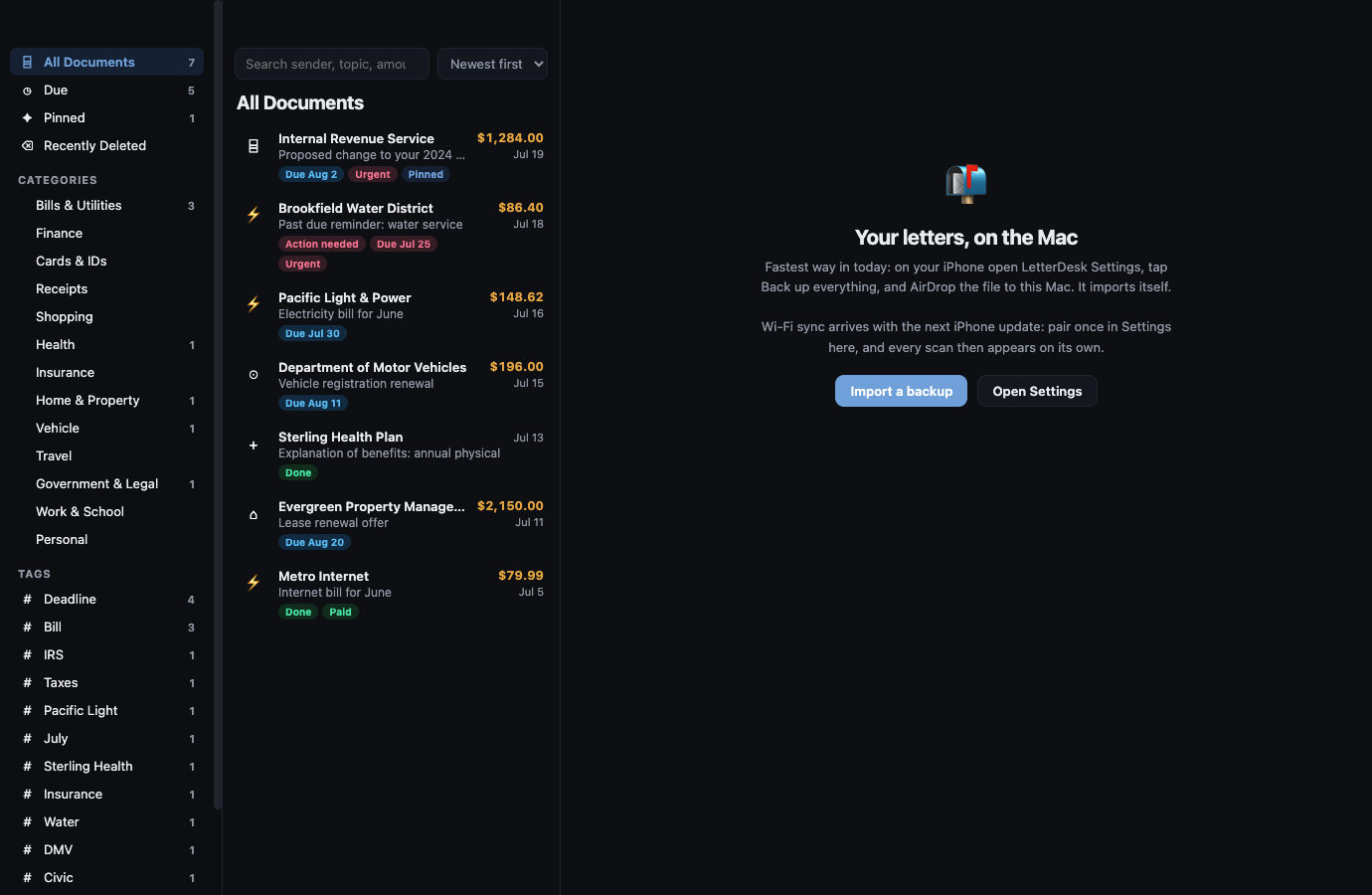
Across every page, LetterDesk shows the full path: read the letter, tell you what to do next, file it automatically, and make it easy to find again.
The next hard letter can be easy.
Scan it, and let LetterDesk read it for you.
In private beta now. Leave your email and we will tell you the day it lands.