Home organization
Paper clutter: what to keep, what to toss, and how to go digital
Every counter has one: the pile that grows faster than it shrinks. Here is a simple sorting rule, a short keep list, and the digital habit that stops the pile from ever coming back.
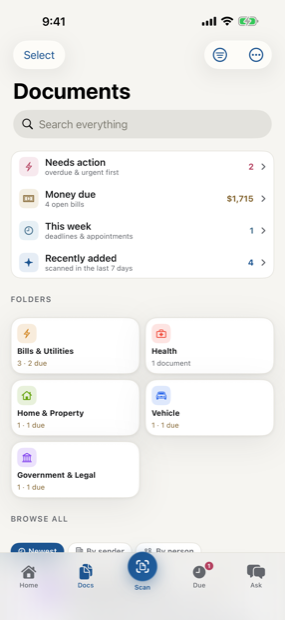
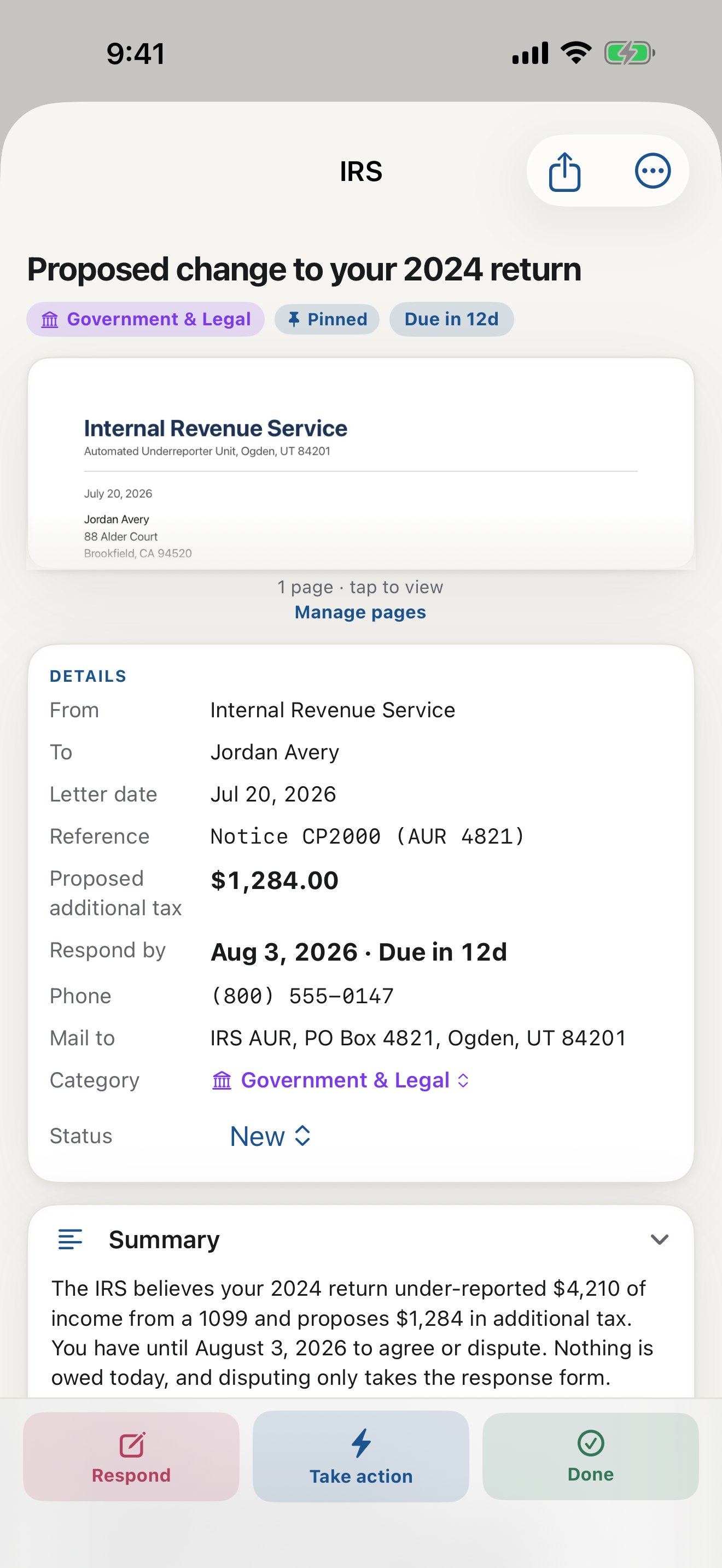
Paper clutter is not a discipline problem. It is a decision problem. Every envelope on the counter is a decision you have not made yet: keep it, act on it, or let it go. Multiply that by a few weeks of mail and the pile stops being paper and becomes a low hum of guilt. The fix is not a bigger tray. It is a faster way to make those decisions, and a place for the survivors to live that is not your kitchen.
The three-question sort
Pick up each page once and ask three questions. Does someone want money or a reply? That is an action item, and it goes in one thin folder with the date circled. Would I ever need to prove something with this? That is a keeper. Everything else, ads, expired coupons, duplicate statements, envelopes themselves, goes straight to recycling or the shredder. Most piles are eighty percent third category, which is why the sort goes faster than you fear.
What to keep, in one short list
- Forever: birth and marriage records, diplomas, titles, current insurance policies, anything with a raised seal.
- Seven years: tax returns and the records behind them.
- One year: pay stubs until the W-2 arrives, bank statements until the year closes.
- Until replaced: the newest version of a policy, a lease, a benefits summary.
If a page does not fit one of those shelves, it almost certainly does not need to exist in your house. For the borderline cases there is a better answer than keeping the paper, and that is the next section.
Digitize paper documents before you decide
The trick that dissolves keep-or-toss anxiety: scan important documents first, then decide about the paper. Once you digitize paper documents, the question changes from where will I store this to whether the physical copy matters at all. For most letters it does not. A document scanner app on your phone captures the page in seconds, and an app to scan and organize documents in one motion means there is no second step to forget.
The habit that keeps the counter clear
Sort the mail standing next to the recycling bin, the day it arrives. Scan the keepers and the action items before they leave your hand. LetterDesk was built for exactly this moment: it is an app that reads your mail as it scans, files each page on its own, catches the due dates, and quietly helps you keep important documents organized without a filing cabinet. As a system to organize paper mail it asks about thirty seconds a day, and it gives you back the counter, the drawer, and the quiet.
What about the paper you already have?
Do not schedule a weekend. Do one shoebox, or one drawer, per week, with the same three questions. Scan the keepers into your app for storing important documents, shred what carries account numbers, recycle the rest. A backlog that took three years to build can be gone in a month of casual passes, and the searchable archive you end up with is better than the pile ever was.
This guide is general information to help you understand and organize your mail. It is not legal, tax, or financial advice. For a decision with real consequences, confirm the details on your own letter and consider speaking with a qualified professional.
Common questions
What papers should I keep and what can I throw away?
Keep identity records and titles forever, tax records for seven years, and current policies until replaced. Most other mail can be recycled once you scan it, because a clear digital copy answers almost every future question.
Is it safe to shred documents after scanning them?
For everyday mail, yes: a clear scan preserves what you need. Keep the physical original for identity documents, titles, notarized pages, and anything with a raised seal or wet signature.
What is the easiest way to go paperless at home?
Sort mail next to the recycling bin the day it arrives, and scan the keepers immediately with a document scanner app that files for you. LetterDesk reads each page, names it, files it, and sets the reminders on its own.
Keep reading
IRS Letter: What Does This Letter Mean and What to Do Next
Got an IRS letter and felt your stomach drop? Here is a calm, step-by-step way to read it, understand what it wants, and respond without panic.
Medical Bill Explanation: How to Read an EOB Without the Panic
Medical bills and EOBs are confusing on purpose. Here is how to tell a real bill from a statement, spot errors, and understand what you actually owe.
Debt Collection Letter: What Does This Letter Mean and How to Respond
A collection letter is stressful, but you have rights and options. Here is how to read it, verify the debt, and respond in writing the right way.
How to Organize Paper Mail at Home (A System That Sticks)
Tired of the pile on the counter? Here is a simple, realistic system for organizing paper mail so nothing important gets lost or forgotten again.
How Long Should You Keep Documents? A Paper Clutter Guide
How long to keep bills, tax records, medical statements, and receipts, plus what to shred and what to keep forever, in one clear guide.
The Best App to Keep Track of Bills and Due Dates
Looking for an app to keep track of bills and due dates? Here is what actually works, why most bill trackers fall short, and how to never miss a payment again.
The Best Way to Organize Documents at Home
The best app and system to organize your documents at home: bills, letters, IDs, and records, all searchable in one place, without a filing cabinet.
An App That Reads Your Mail For You: A Smarter Way to Manage Documents
Tired of apps that only scan? Meet the app that actually reads your mail and documents for you, pulls out what matters, and handles the next step.
The AI That Reads Your Mail and Tells You What to Do
Meet the AI that reads your mail and tells you what to do: it explains any confusing letter in plain words, finds the deadline, and gives you the next step.
Understand Any Document in Any Language, Fast
How to understand any document in any language, fast: LetterDesk explains official letters and mail in plain words for parents, seniors, and immigrants.
Ask Questions About Any Document With AI
Snap a letter and ask questions about any document with AI. LetterDesk reads your mail, finds the deadline, and answers what to do in plain words.
How to Scan Important Documents on iPhone and Keep Them Safe
A practical guide to scan important documents with your iPhone: flat, sharp, upright pages, plus how to store, find, and back up the digital copies.
Scan a Letter and Translate It: Read Mail in Any Language
How to scan a letter and translate what it really means: not word-for-word text, but the sender, the ask, the amount, and the deadline, in your language.
Scan to calm
The letter does not just get scanned. It gets handled.
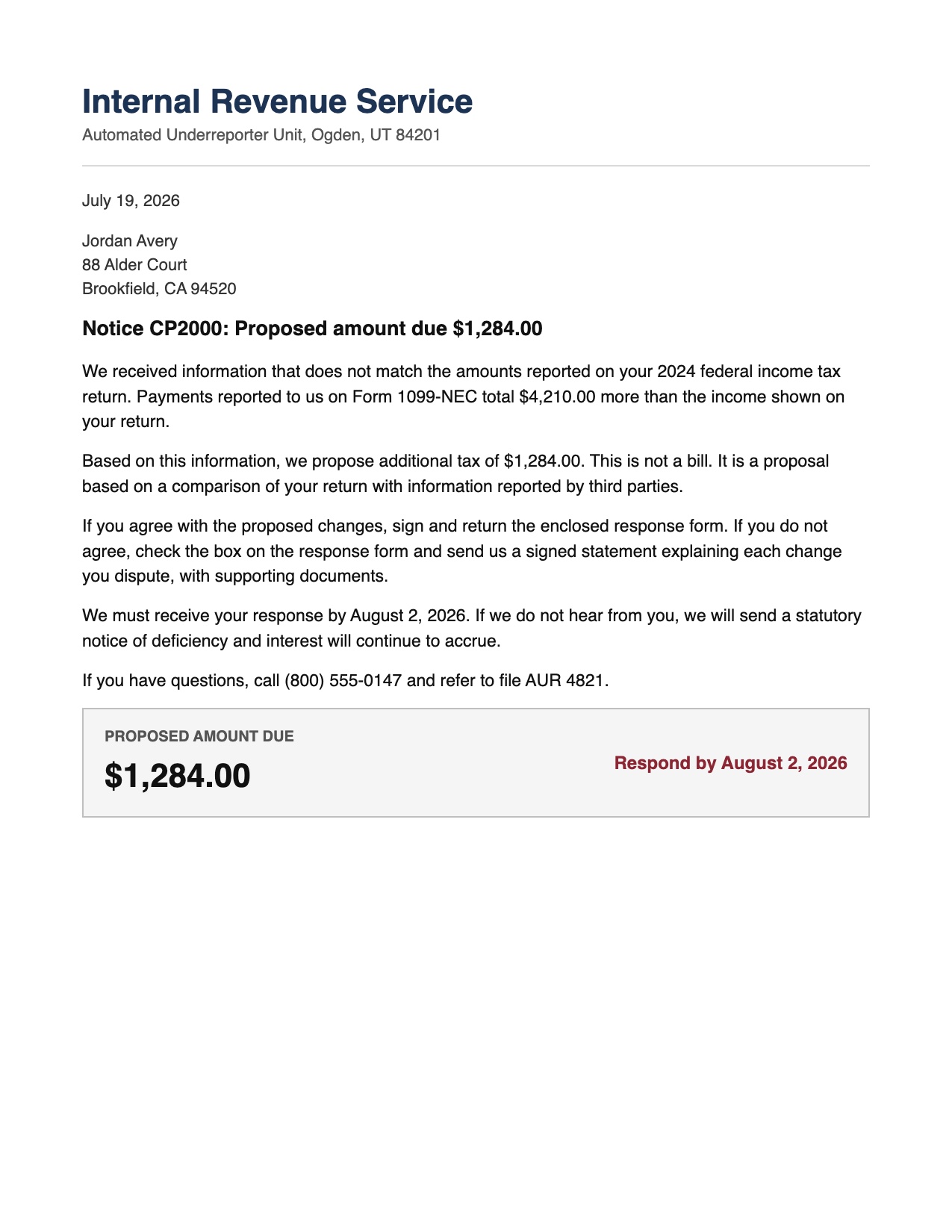
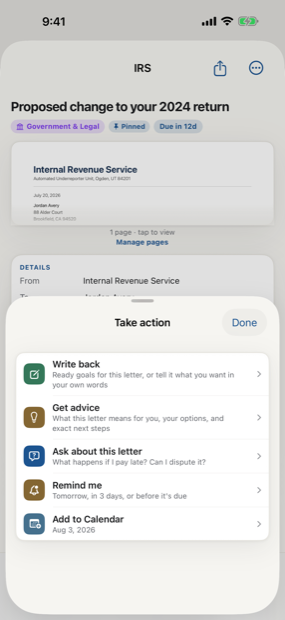
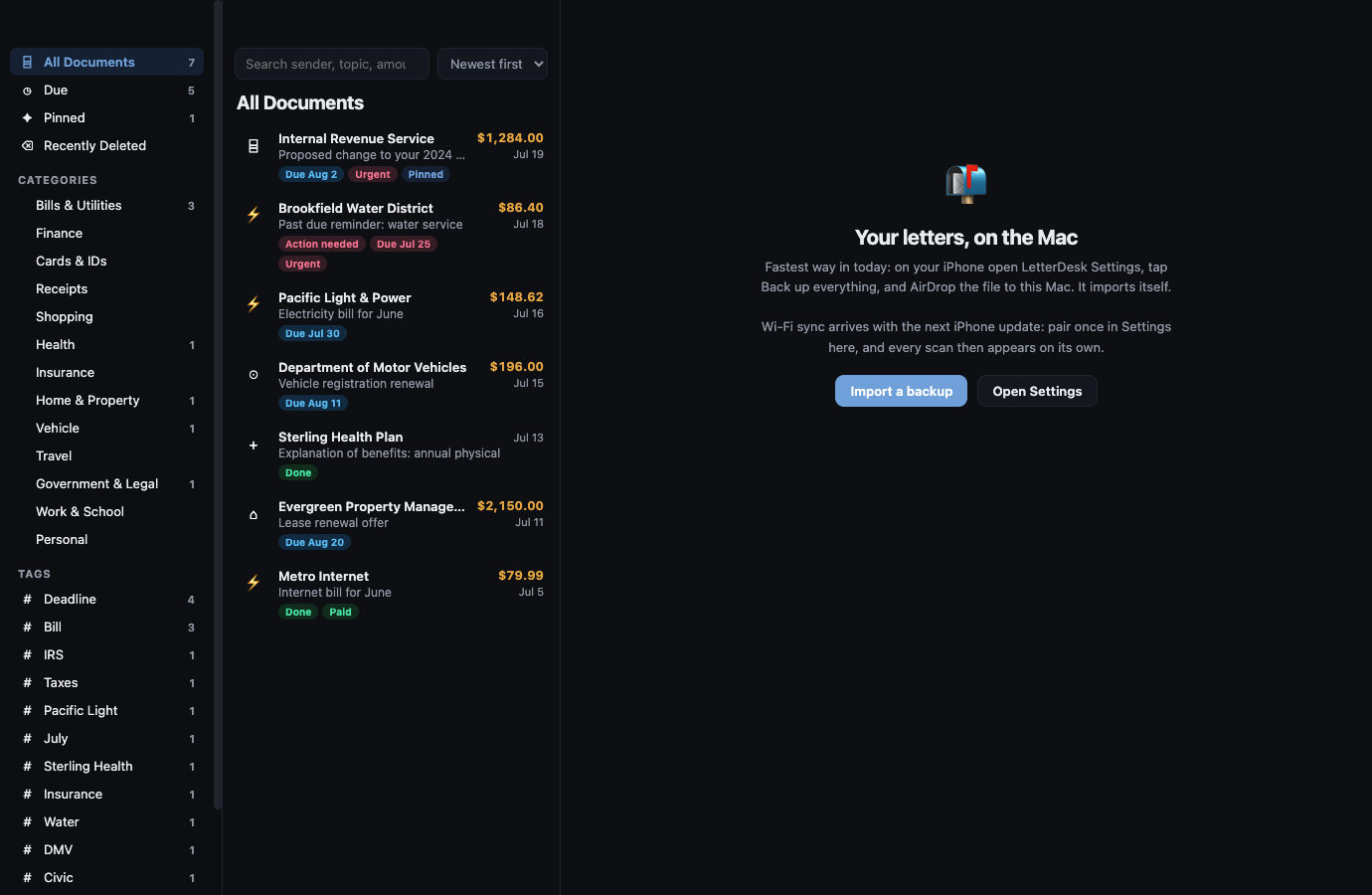
Across every page, LetterDesk shows the full path: read the letter, tell you what to do next, file it automatically, and make it easy to find again.
The next hard letter can be easy.
Scan it, and let LetterDesk read it for you.
In private beta now. Leave your email and we will tell you the day it lands.